Create Polygons
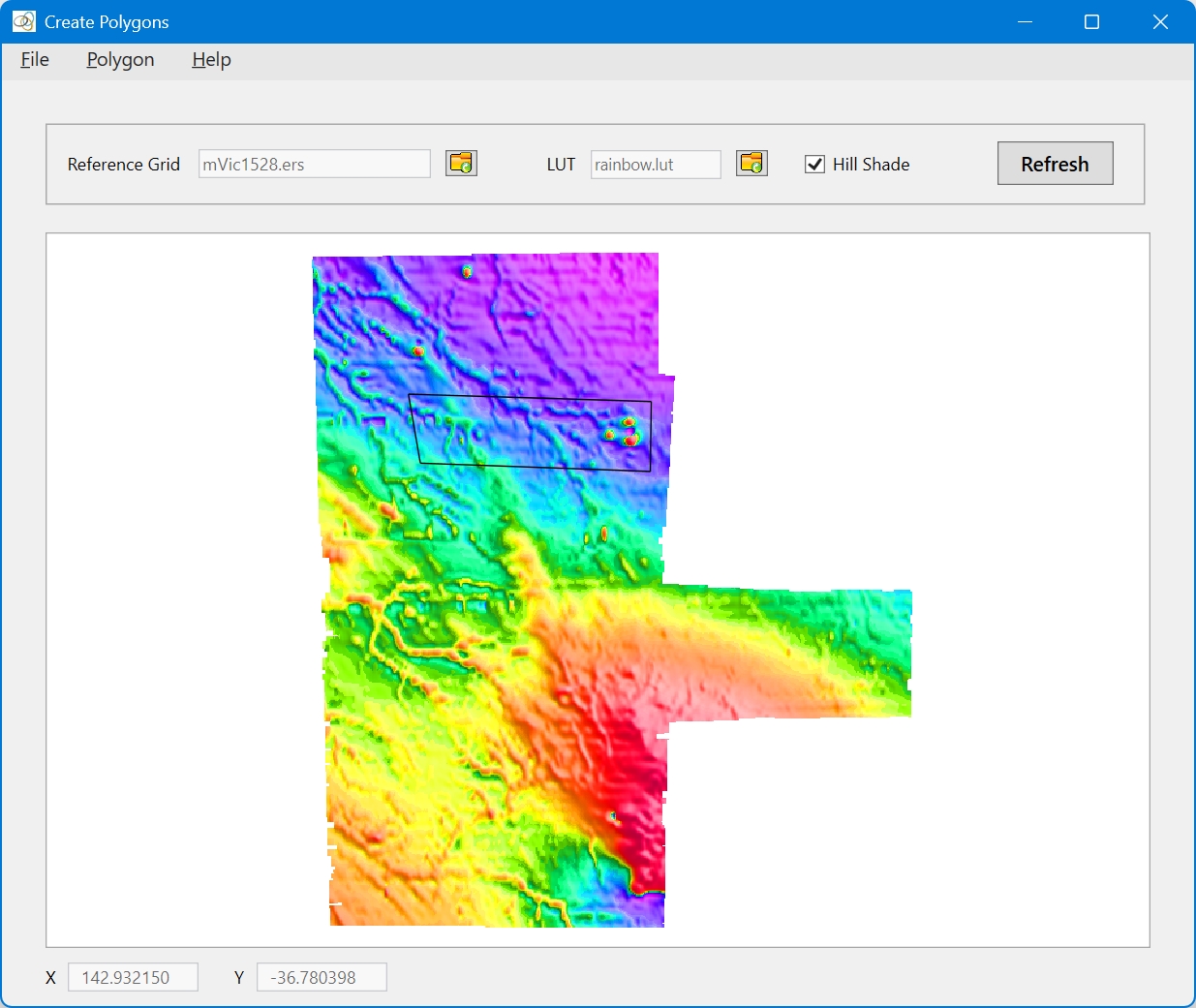
This tool is used for creating polygons. After loading a reference grid using the File menu, a polygon can be digitised and saved to a file. The window is resizeable, but there is no zoom or pan functionality. As an example of its usage, for digitising a 4-sided polygon, select Polgon|Trace Polygon from the main menu. Then use the left-mouse button to click 3 points. Then select Polygon|Close Traced Polygon to close the polygon which can then be saved or cleared.
Quick Link: See Tutorial 3: Creating a polygon for a tutorial on the use of the Create Polygon tool.