Set Aliases And Parameters
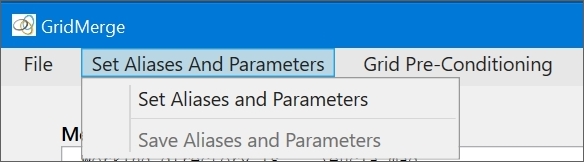
The menu item brings up the Set Aliases And Parameters window:
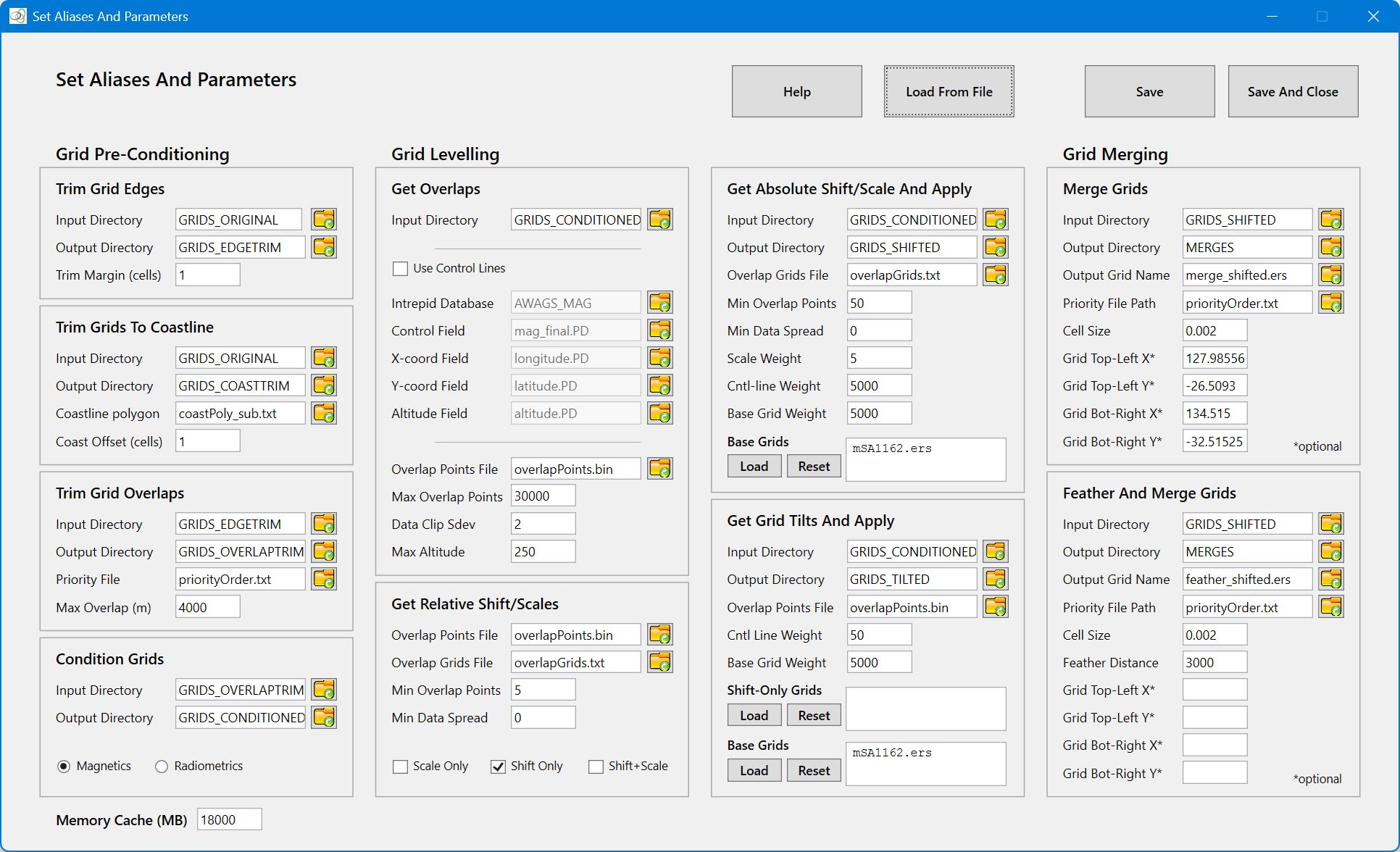
The Set Aliases And Parameters menu is used to set aliases and parameters. Aliases are the names that GridMerge uses to access database fields and grid directories. Parameters are the processing and control constants used by GridMerge tools. Once these have been set, they can be saved to an aliases and parameter control file for rapid loading during subsequent GridMerge sessions.
The aliases and parameters are ordered according to process. Not all the aliases and parameters need to be set – only the ones for the processes you intend to use. The aliases and parameters can be set by typing into a text box, set using a Select File dialogue, or read from a control file. If you enter a directory, file name or Intrepid database name (as opposed to a path) in a text box, or read it from a control file, the directory/file/Intrepid database is assumed to reside in the Working Directory.
IMPORTANT NOTE: Irrespective of your computers settings for Language and Region, GridMerge requires that a period (.) be used to separate the integer and fractional parts of real numbers. The use of a comma (,) is not allowed.
Select Save to save the current parameters and leave the window open. This is useful as an ongoing reference while running processes. Or select Save And Close to save the parameters and close the window.
Some processes run a lot faster if grids are cached in memory. Specify a maximum Memory Cache (MB), and GridMerge will cache grids in memory up to this maximum. The default is 0 MB.
Quick Links: Grid Pre-Conditioning Help.
Quick Links: Grid Levelling Help.
Quick Links: Grid Merging Help.
Quick Links: See Using The Control File for guidance on Control File usage, and Sample Control File for a sample control file.