Set Aliases And Parameters
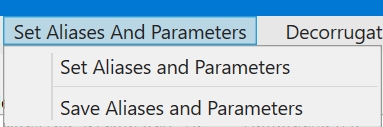
The menu item brings up the Set Aliases And Parameters window:
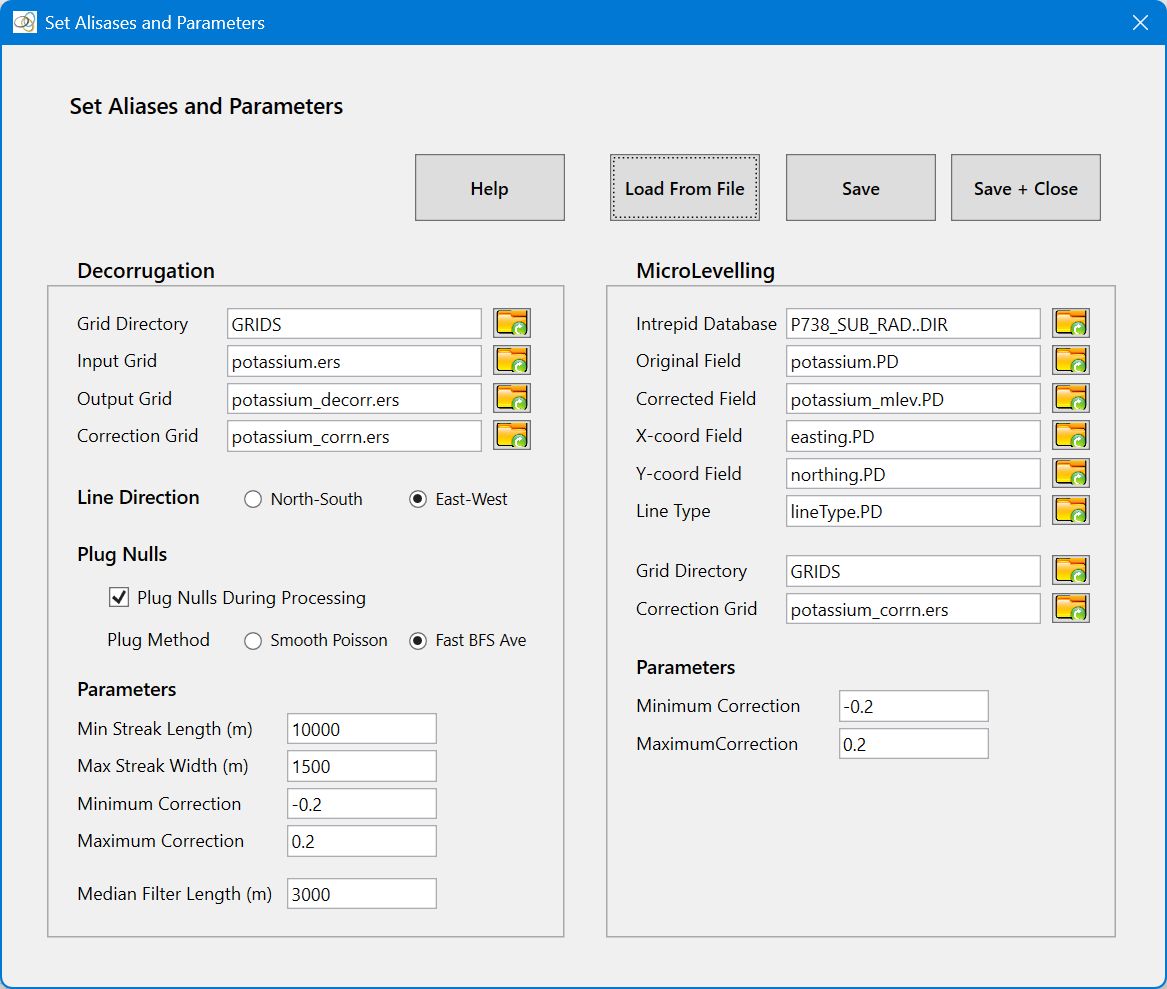
The Set Aliases And Parameters menu is used to set aliases and parameters. Aliases are the names that MicroLevel uses to access database fields and grid directories. Parameters are the processing and control constants used by MicroLevel. Once these have been set, they can be saved to an aliases and parameter control file for rapid loading during subsequent MicroLevel sessions.
The aliases and parameters are ordered into two panels. The left-hand panel is used to set aliases and parameters for the Decorrugation process. The right-hand panel does the same for the Microlevelling process. Not all the aliases and parameters need to be set – only the ones for the processes you intend to run. The aliases and parameters can be set by typing into a text box, set using a Select File dialogue, or read from a control file. If you enter a directory, file name or Intrepid database name (as opposed to a path) in a text box, or read it from a control file, the directory/file/Intrepid database is assumed to reside in the Working Directory.
Activate Plug Nulls During Processing if your survey has irregular boundaries and the decorrugation is introducing unwanted edge effects. The nulls will automatically be re-inserted into the output grids. There are two methods that can be used for plugging the nulls: Smooth Poisson Interpolation nulls cells by solving the discrete Poisson equation over the null region with Dirichlet boundary conditions set by the neighbouring known grid cells. This produces a smooth, continuous fill with no jump discontinuities at the boundaries, and preserves local gradients. Fast BFS Averages nulls cells through local averaging using a BFS (Breadth First Search) algorithm. It produces a file that is continuous at the boundaries between the original know grid cells and interpolated nulls, but can introduce large discontinuities away from the original non-null cells (this is not usually a problem for decorrugation). It is fast.
Decorrugation is typically run several time to obtain the best parameters (see Tips And Tricks), so you want the decorrugation to be fast. If you have a large grid with irregular boundaries, the plugging of nulls for each iteration will slow down the process considerably. In this case, you may wish to consider plugging the nulls in your grid prior to decorrugation using the Plug Nulls utility. Once the grids is adequately decorrugated, you must then use the Restore Nulls utility to re-insert the nulls into the output grids. Alternatively, ignore the edge effects until you have found the optimum decorrugation parameters, then turn Plug Nulls During Processing on (using the CheckBox) for the last iteration.
IMPORTANT NOTE: Irrespective of your computers settings for Language and Region, MicroLevel requires that a period (.) be used to separate the integer and fractional parts of real numbers. The use of a comma (,) is not allowed.
Select Save to save the current parameters and leave the window open. This is useful as an ongoing reference while running a process. Or select Save And Close to save the parameters and close the window.
Quick Links: See Using The Control File for guidance on Control File usage, and Sample Control File for a sample control file.