View Flight Path
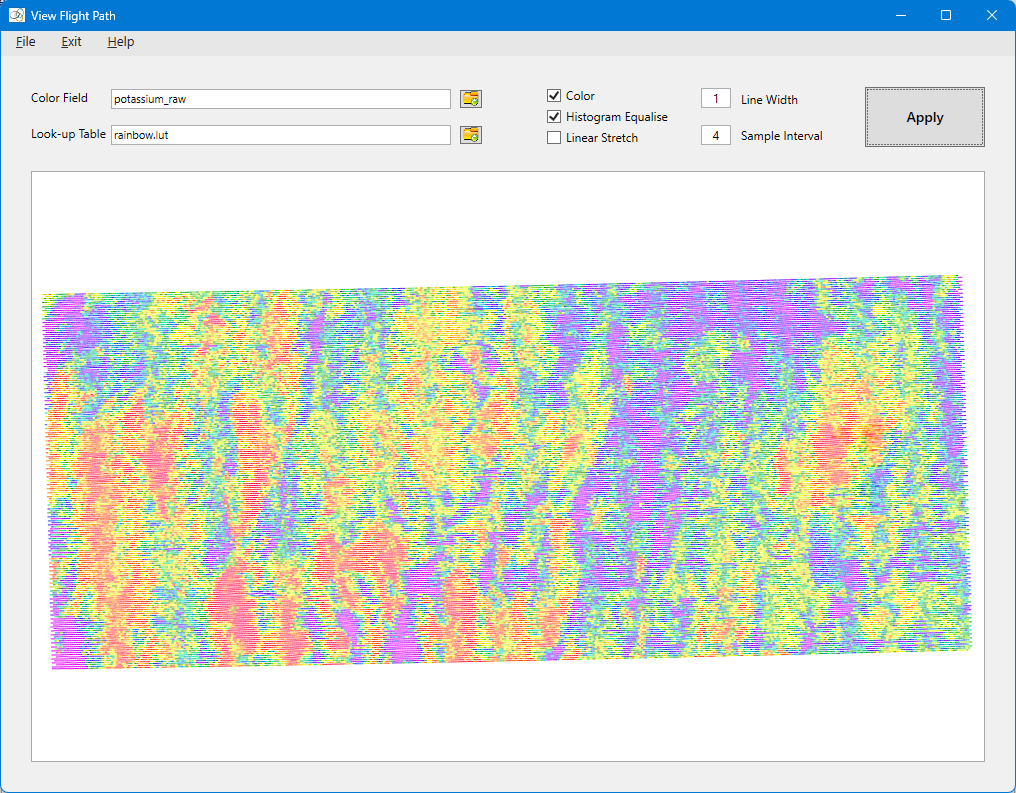
The View Flight Path tool is designed to give a rapid view of the flight path and data fields without the need to exit GammaSpec or grid the data. Use the file icon buttons to load a database field or colour look-up table. You can plot thicker lines using the Line Width textBox. The Sample Interval along lines can be used to sub-sample the data to speed up processing. However, for large surveys GammaSpec will automatically adjust the entered value to mitigate the possibility of exhausting the process memory.
Tool Tip: After re-sizing the window, you have to click the Apply button to re-draw the flight path.
See Tutorial 2 – Viewing Data for a tutorial on the use of this tool.