Intrepid Editor
Intrepid Editor
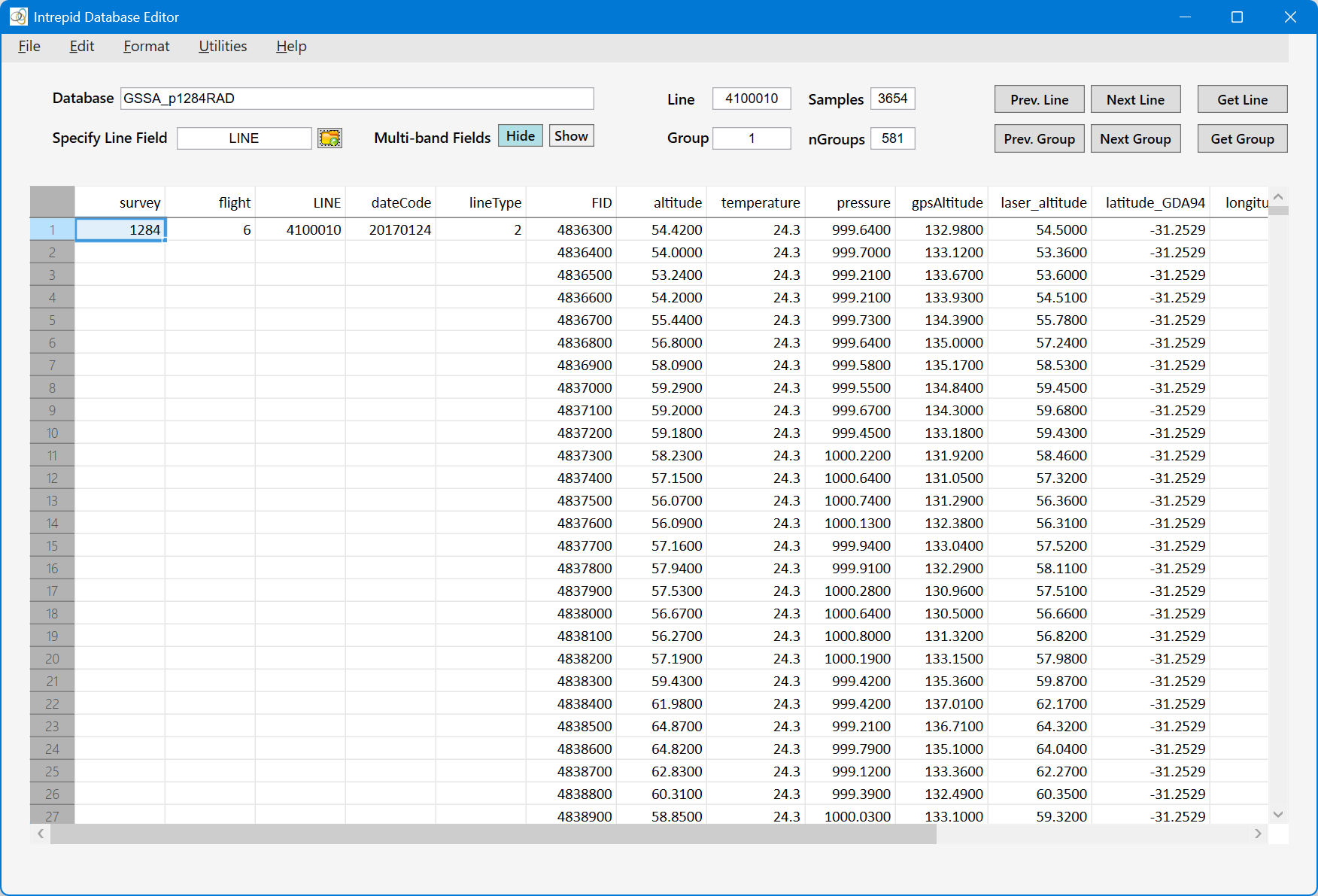
The Intrepid Editor can be used to create an Intrepid database, and import, export and edit database fields. For a new database, a default formatting of the field columns are applied: columns are ordered with group-by fields appearing on the left, followed by indexed fields, with multi-band fields appearing on the right. Integer fields are rendered with no decimal point, float (single-precision numbers) are rendered with 1 decimal place and double (double-precision numbers) are rendered with 4 decimal places. The width of each field (in characters) will be a minimum of that specified in the field's .vec file, and this width is also used when exporting data. However, for the spreadsheet display, column widths are set to the maximum of the width specified in the .vec file and the field name.
By default, multi-band fields are represented by "placeholders" – these are non-editable columns with headings consisting of the field name followed by a colon. This speeds up the loading of the database. If you need to view or edit multi-band fields, click the Show button. The default is Hide. When shown, the bands are referenced using the field name followed by a colon and band number (starting with 1). So the first band of the "spectrum" field is spectrum:1 and the second band is spectrum:2 and so on.
The Prev. Group, Next Group and Get Group buttons can be used to navigate the database by group number (the sequence of lines in a database). If a line number field is identified (Specify Line Field), then the Prev. Line, Next Line and Get Line buttons are enabled, and the database can be navigated via line number.
The functionality of the tool includes:
- Import: import ASCII data into a new database using ASEG-GDF2, ASCII columns, or CSV input file formats; export database fields to ASEG-GDF2 files.
- Edit: find a cell that satisfies a condition; create, rename and replace (using if-then constructs); delete fields, lines and samples (rows); conditional group/row delete.
- Format: apply a default format to editor spreadsheet columns, or specify a custom format (width, decimal place) for each field; re-order field columns.
- Utilities: display information about the fields in the database, calculate field statistics, create a Line Type field (identifies lines from ties), and automatically rename duplicate line numbers in the database.
The editor's menu items are described in greater detail in the following sections.